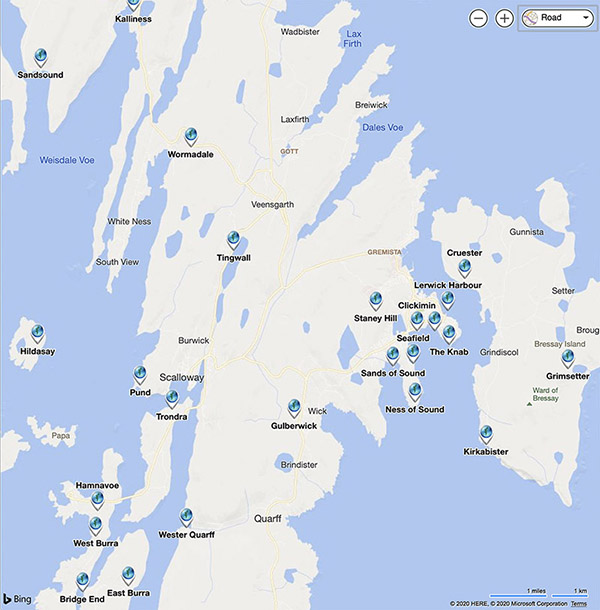
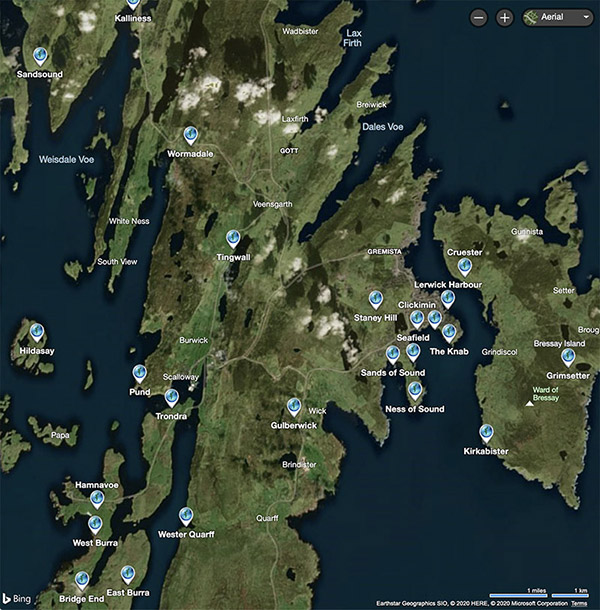
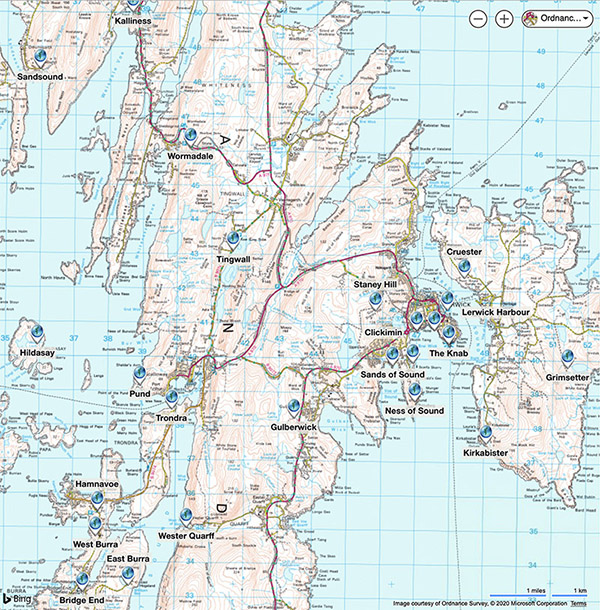
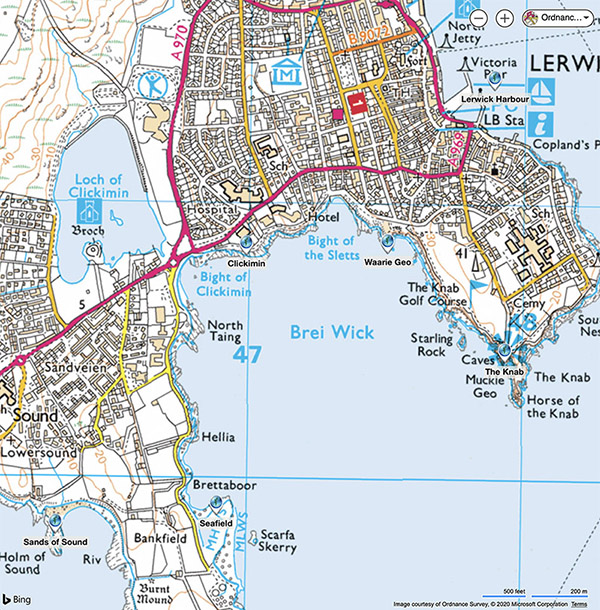
The map selection depends on where you are viewing the tour from. In the UK there are four map types available, road (default), aerial, Ordnance Survey 1:50,000 and Ordnance Survey 1:25,000. In the rest of the world only road and aerial maps are availale.
You can select the map type form the drop-down box in the top right of the map pane. Note that bird's eye and streetside are not available for Shetland. Due to a limitation in the map display it will always return to the default road map and zoom level when you change scene. When changing to the OS maps you may have to adjust the zoom slightly for the map to load. Note that the OS map displayed will depend on the zoom, it automatically moves between the 1:50,000 and 1:25,000 maps as you zoom in, and vice-versa.
The radar display shows the current field of view of the scene. Using the radar, zoom and OS maps it's possible to identify places and features that you can see, very useful for exploring the area!
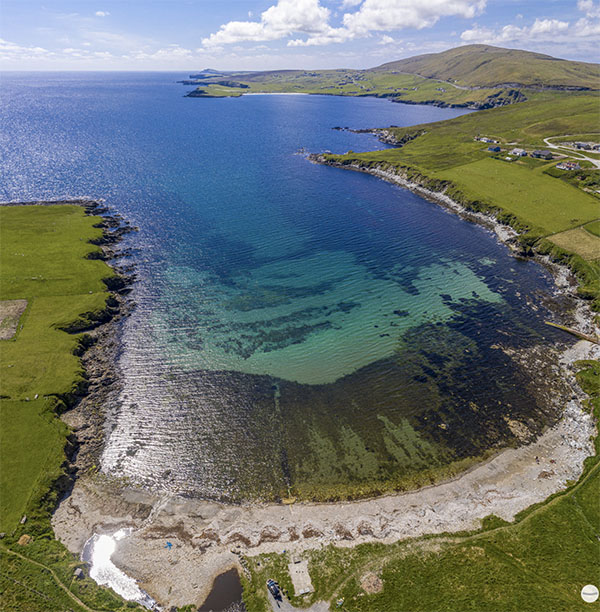
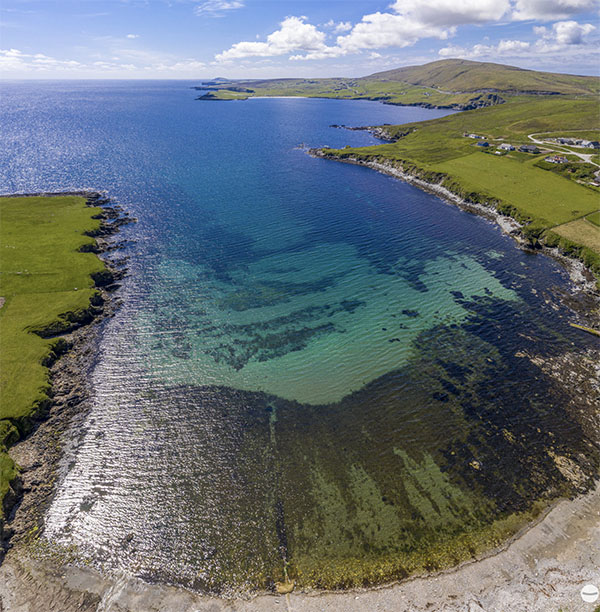
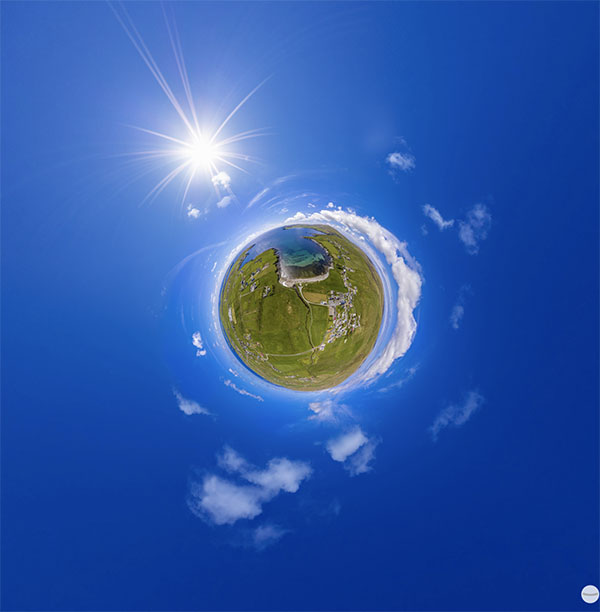
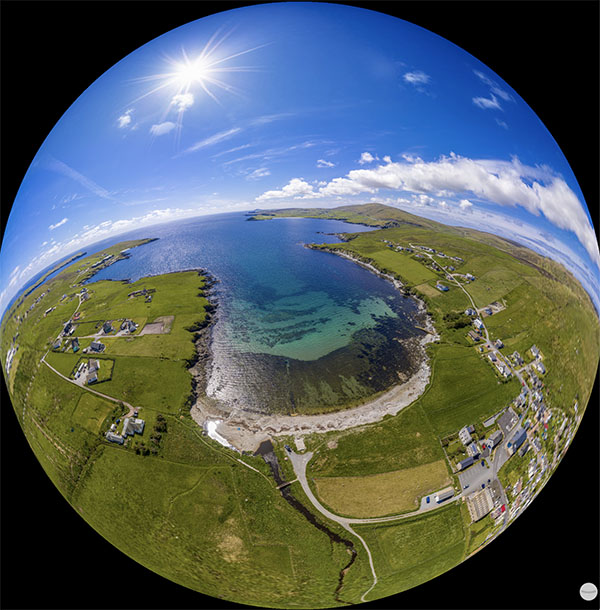
There are four projections available by right-clicking or long pressing the scene and selecting from the context menu. By default the 'normal' projection is displayed and provides the most accurate representation of the scene. Architectural projection attempts to keep horizontal and vertical lines straight, at the expense of distortion as you pan up and down. The little planet view projects the scene around a sphere so it looks like a small planet with the sky around the land, it's more for fun than serious viewing! The fourth projection is fisheye ball, which is the opposite of the little planet and projects the image from the inside of the sphere. Again it's more for fun, but does provide an interesting perspective, especially with autorotation enabled, it will gradually zoom in to a normal projection.